
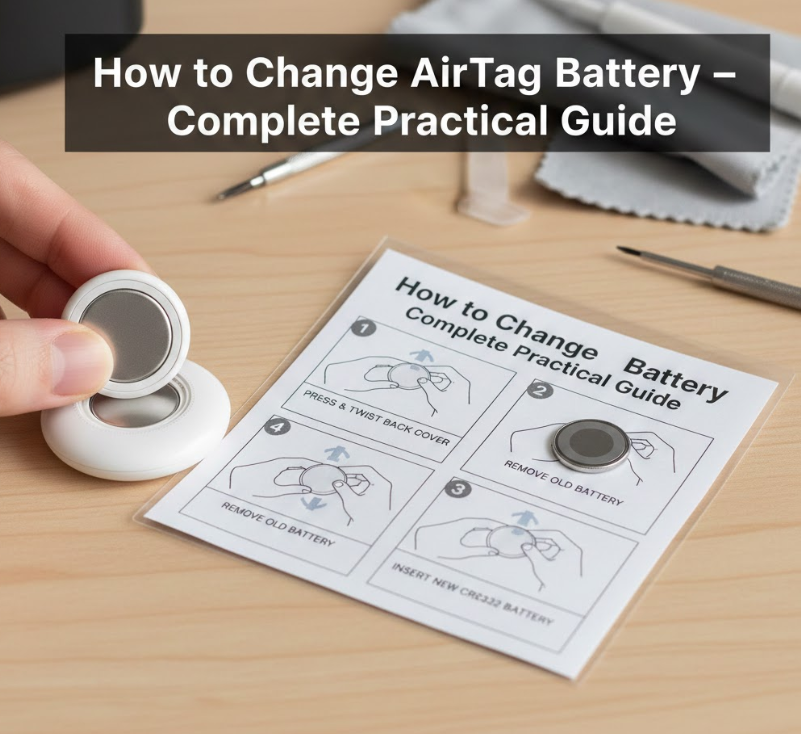
Apple AirTag is designed to be simple, durable, and low-maintenance, but even the most reliable devices need occasional care. One of the most common tasks AirTag owners face is learning how to change AirTag battery correctly without damaging the device or losing functionality. While Apple designed AirTag battery replacement to be user-friendly, many users still encounter confusion, stuck covers, accessory complications, or compatibility issues.
This in-depth guide explains how to change AirTag battery in every common situation, including when used inside Ridge Wallets, Belkin holders, or other accessories. You’ll also learn how to fix stuck battery covers, identify proper replacements, and verify that your AirTag works correctly afterward. Every step is explained clearly, accurately, and with real-world experience.
Understanding the AirTag Battery and How It Works

The AirTag uses a standard CR2032 lithium coin battery, which powers Bluetooth signals, the U1 chip, and the speaker. Apple selected this battery for its balance of longevity, availability, and compact size.
On average, an AirTag battery lasts about one year under normal usage. However, heavy tracking activity, frequent sound alerts, or extreme temperatures can reduce battery life significantly.
Key Facts About AirTag Batteries
• Uses CR2032 lithium coin cell
• Battery life averages 10–14 months
• Sends low battery alerts to iPhone
• User-replaceable design
• No tools required
• Widely available worldwide
Understanding these basics ensures you approach how to change AirTag battery with confidence rather than trial and error.
Also Read:- How to Become a Travel Agent – The Complete Career Guide
How to Change AirTag Battery (Standard Method Explained)
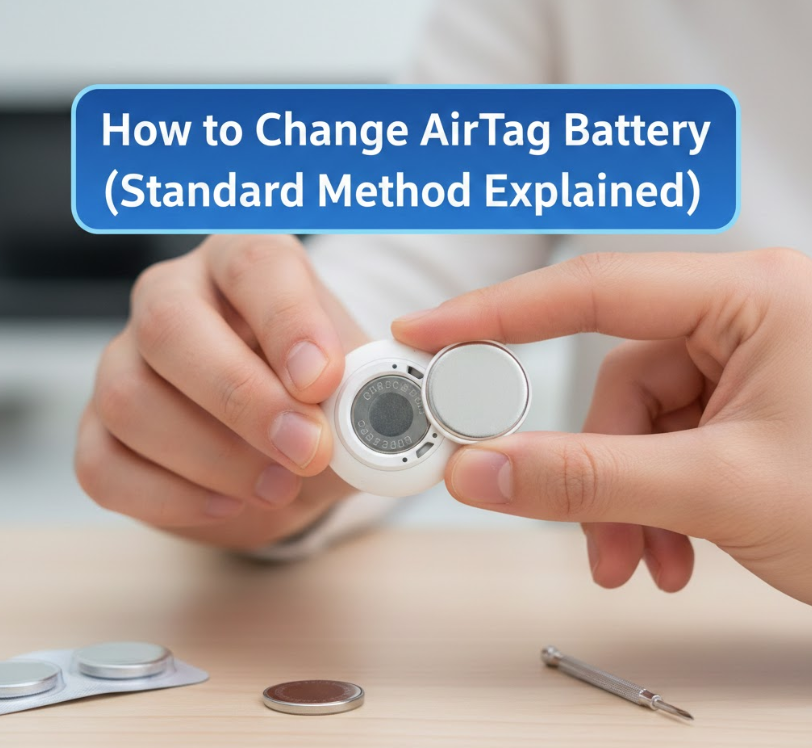
Apple intentionally designed AirTag battery replacement to be simple and tool-free. The stainless steel back doubles as a removable battery cover, secured with a twist-lock mechanism.
Despite its simplicity, many users apply incorrect pressure or twisting direction, which leads to frustration or the belief that the AirTag is stuck.
Step-by-Step AirTag Battery Change
• Hold AirTag with white side facing down
• Place fingers on stainless steel cover
• Press down firmly to engage lock release
• Rotate counterclockwise until cover loosens
• Remove old CR2032 battery
• Insert new battery with positive side up
After replacing the battery, the AirTag emits a sound, confirming successful installation.
Also Read:- How to Clean Fruit: The Complete, Science-Backed Guide for Safe Eating
How to Change AirTag Battery Replacement (Choosing the Right Battery)
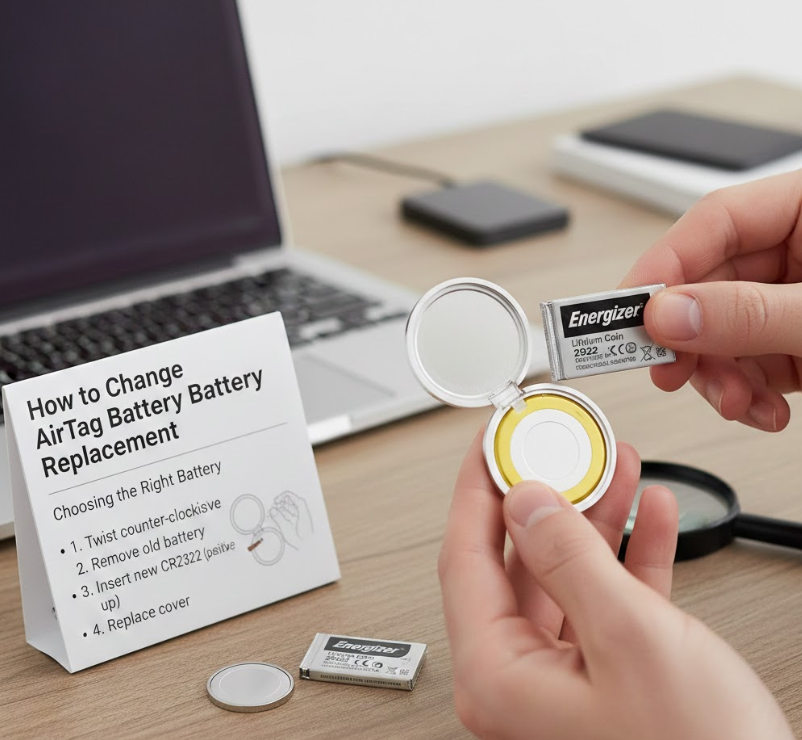
Not all CR2032 batteries work perfectly with AirTag. Some brands include bitter-coating chemicals designed to deter children from swallowing them, which can interfere with electrical contact.
Choosing the correct battery brand is critical for reliable performance.
Best Battery Selection Practices
• Use uncoated CR2032 batteries
• Avoid child-safe bitter coatings
• Choose reputable brands
• Check expiration dates
• Store batteries properly
• Test before sealing AirTag
Recommended Battery Brands
• Panasonic
• Duracell (non-coated versions)
• Energizer Industrial
• Sony
• Maxell
• Renata
Correct battery selection prevents repeated failures when learning how to change AirTag battery replacement.
Also Read:- How to Apply Eyeliner: The Complete Expert Guide for Flawless Definition
How to Change AirTag Battery When It’s Stuck
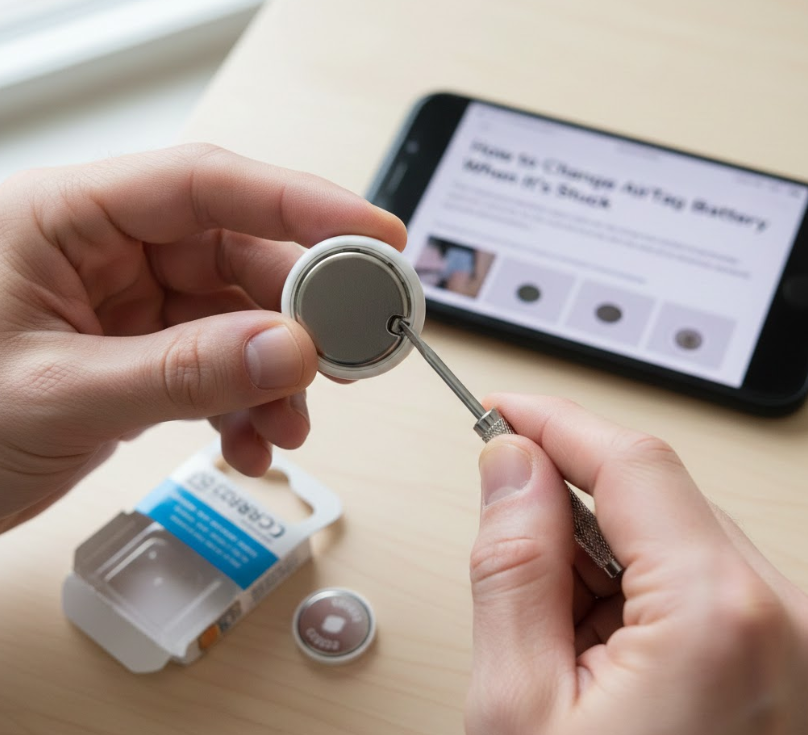
A stuck AirTag battery cover is one of the most common complaints. Oils from hands, tight tolerances, or manufacturing variations can make the cover difficult to rotate.
Using excessive force incorrectly can damage internal components.
Safe Methods to Remove a Stuck Cover
• Clean cover to remove oils
• Use rubber grip for traction
• Apply even downward pressure
• Twist slowly, not suddenly
• Avoid metal tools
• Warm slightly to expand metal
What Not to Do
• Do not pry with knives
• Do not use pliers directly
• Do not force at angles
• Do not puncture casing
• Do not strike device
• Do not open white plastic shell
These steps solve most issues related to how to change AirTag battery stuck without damage.
Also Read:- How to Become a Firefighter: A Complete Career Roadmap
How to Change AirTag Battery in Ridge Wallet
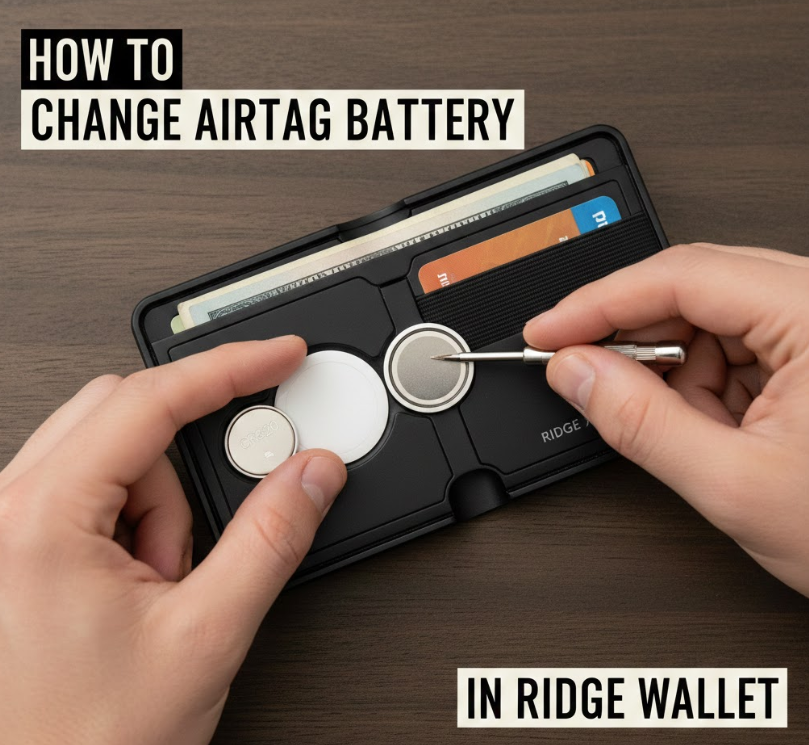
Ridge Wallets include AirTag-compatible trays or adapters that securely hold the device. While convenient, these holders must be removed carefully before battery replacement.
Ridge Wallet designs prioritize minimalism, which sometimes means tighter tolerances.
Removing AirTag from Ridge Wallet
• Remove wallet screws if required
• Slide AirTag tray carefully
• Avoid bending metal plates
• Handle AirTag separately
• Replace battery outside wallet
• Reinstall tray securely
Common Ridge Wallet Mistakes
• Attempting battery change inside tray
• Using excessive force
• Scratching wallet finish
• Misaligning AirTag speaker
• Forgetting screw order
• Over-tightening during reassembly
Knowing how to change AirTag battery Ridge Wallet style prevents damage to both devices.
Also Read:- How to Stop a Runny Nose: A Complete, Practical Relief Guide
How to Change AirTag Battery with Belkin Holders
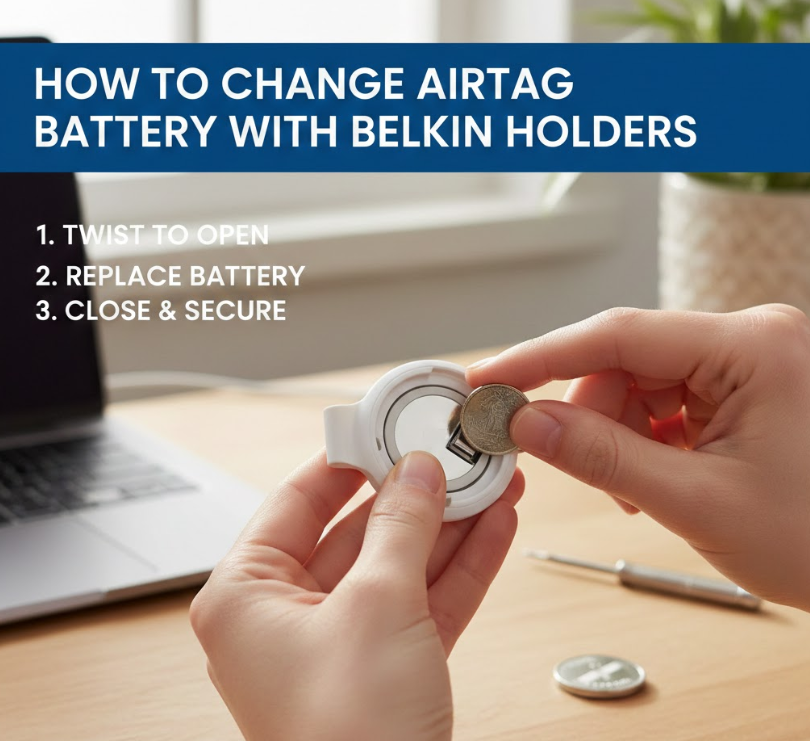
Belkin AirTag holders are popular due to their durability and Apple-approved design. Most Belkin holders use snap-in or twist-lock systems that must be opened before accessing the AirTag.
The holder itself does not affect battery replacement but adds an extra step.
Belkin Holder Removal Process
• Identify holder release mechanism
• Open snap or twist carefully
• Remove AirTag completely
• Replace battery normally
• Confirm AirTag sound
• Reinsert securely into holder
Belkin Holder Tips
• Clean holder during battery change
• Inspect for wear or cracks
• Ensure speaker holes align
• Avoid forcing snap tabs
• Check waterproof seals
• Test AirTag before closing
This ensures smooth handling of how to change AirTag battery Belkin accessories.
Also Read : How to Clean Oven: The Complete, Safe, and Effective Guide for a Spotless Kitchen
How to Change AirTag Battery (YouTube vs Real Instructions)
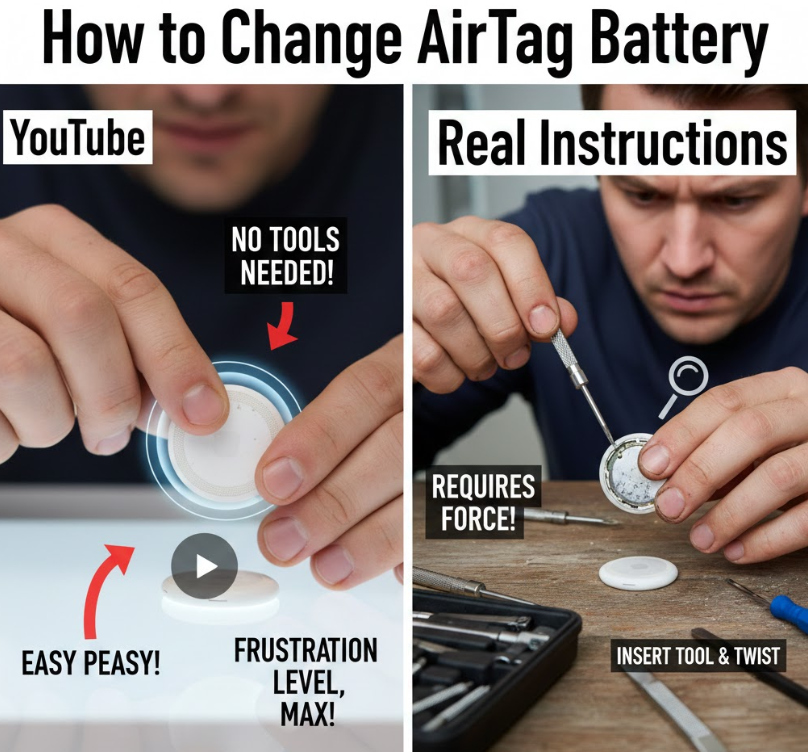
Many users search how to change AirTag battery YouTube, but video tutorials often skip important safety or compatibility details. While videos are helpful visually, they sometimes promote unsafe shortcuts.
Text-based instructions allow for clarity, precision, and troubleshooting depth.
Limitations of Video Tutorials
• Often skip battery brand warnings
• Use excessive force demonstrations
• Ignore stuck cover scenarios
• No troubleshooting guidance
• Edited for speed, not safety
• Assume ideal conditions
Best Practice Approach
• Combine written guides with videos
• Follow Apple-recommended steps
• Verify battery compatibility
• Read comments for issues
• Avoid unverified hacks
• Prioritize device safety
Understanding this difference ensures better outcomes when learning how to change AirTag battery properly.
Also Read:- How to Change AirTag Battery: The Complete Step-by-Step Guide for Every Situation
Conclusion:
Learning how to change AirTag battery correctly saves time, prevents damage, and ensures uninterrupted tracking performance. While the process is simple by design, real-world situations like stuck covers, accessory holders, or incompatible batteries require informed handling.
By following the expert-backed steps in this guide, you can confidently replace your AirTag battery whether it’s mounted in a Ridge Wallet, Belkin holder, or used standalone. Proper battery choice, gentle technique, and verification steps make all the difference.
FAQs
How often should I change my AirTag battery?
Typically once every 10–14 months.
Why does my AirTag not work after battery replacement?
Likely due to coated batteries or improper contact.
Can I recharge an AirTag battery?
No, CR2032 batteries are single-use only.
Does AirTag alert me when battery is low?
Yes, notifications appear on connected iPhones.
Visit For More Information Go To entrepreneurideas