
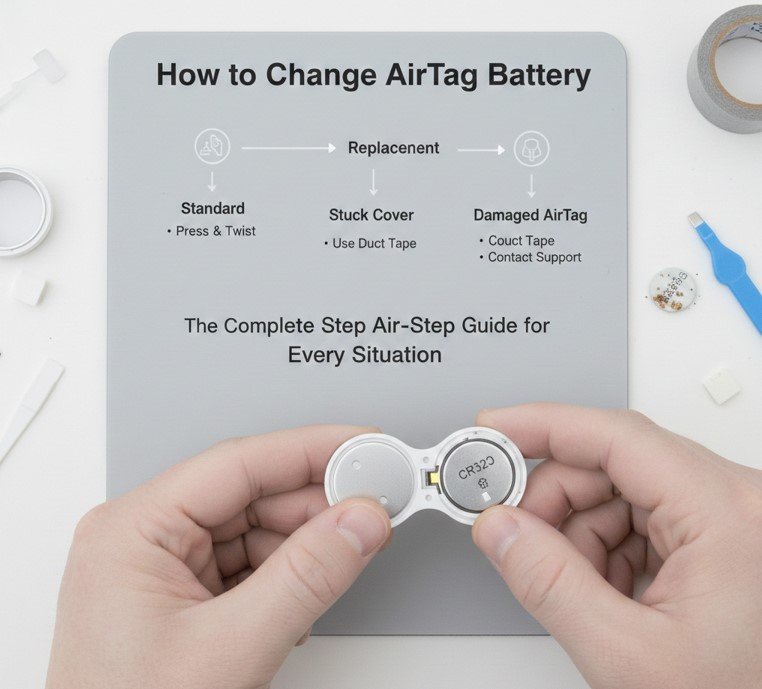
Learning how to change AirTag battery is an essential skill for anyone who relies on Apple AirTags to track keys, wallets, bags, luggage, or other valuables. While AirTags are designed to be low-maintenance, their coin-cell battery does not last forever. According to Apple, the AirTag battery typically lasts about one year, depending on usage, tracking frequency, and environmental conditions.
When the battery runs low, users receive a notification in the Find My app, but many people delay replacing it—either because they’re unsure how to open the AirTag or worry about damaging it. Fortunately, AirTags are intentionally designed to allow easy, tool-free battery replacement when done correctly.
This comprehensive guide explains how to change AirTag battery step by step, including troubleshooting a stuck AirTag cover, replacing batteries in Ridge Wallets and Belkin holders, choosing the correct replacement battery, and avoiding common mistakes that can shorten battery life.
Understanding the AirTag Battery System
Before learning how to change AirTag battery, it’s important to understand how AirTags are powered and why battery choice matters.
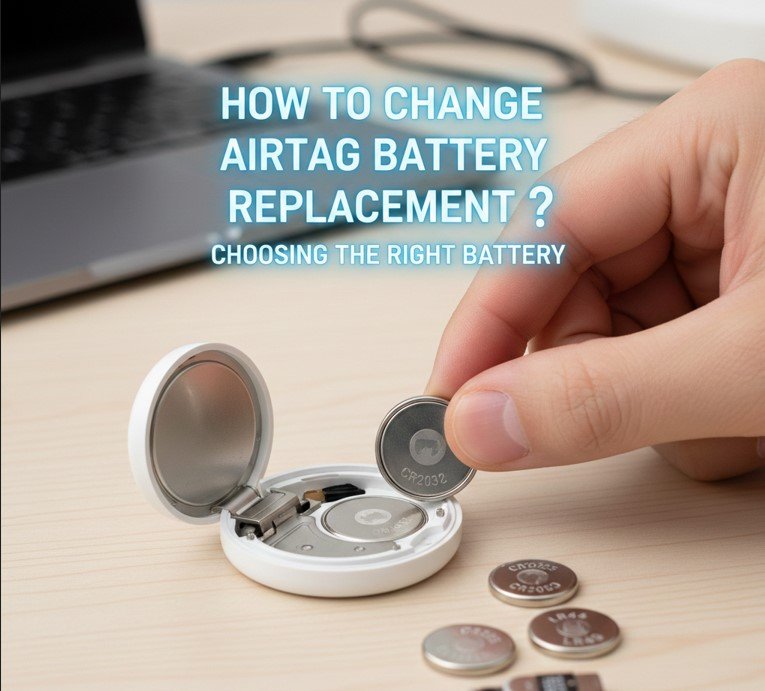
AirTags use a CR2032 lithium coin-cell battery, a common and widely available power source. However, not all CR2032 batteries work equally well. Apple specifically warns that some batteries with bitterant coatings (used to prevent child ingestion) may cause contact issues inside the AirTag.
Also Read:- How Long to Boil Chicken Breast: The Complete Cooking Guide for Juicy, Safe, and Perfect Results
Why Battery Compatibility Matters
• Ensures proper electrical contact
• Prevents intermittent power loss
• Avoids tracking interruptions
• Protects internal contacts
• Maintains water resistance
• Extends overall device lifespan
How to Change AirTag Battery Step by Step
Definition and Core Process
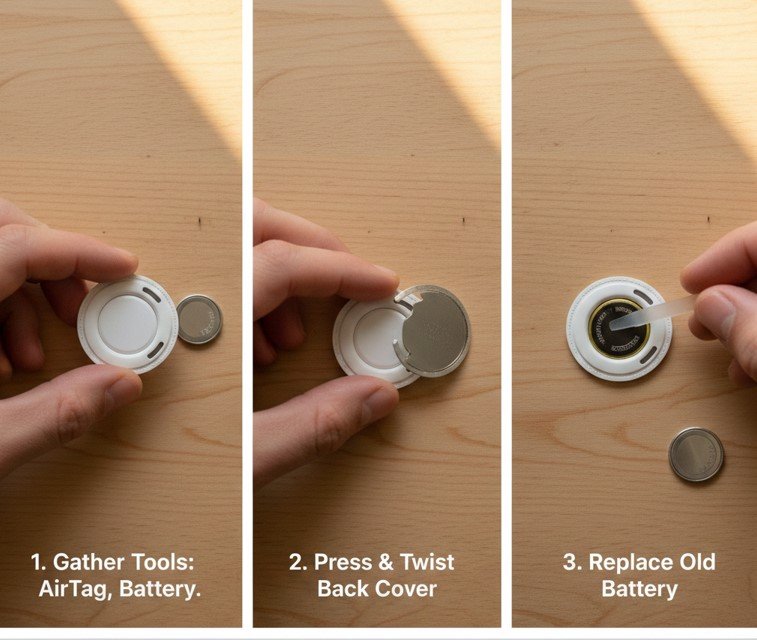
Learning how to change AirTag battery step by step involves safely opening the AirTag, replacing the battery correctly, and resealing it to restore tracking functionality.
Step-by-Step Replacement Instructions
• Hold the AirTag with the Apple Logo Facing Down
This position gives proper grip and aligns the cover for rotation.
• Press Down Firmly on the Stainless Steel Cover
Pressure disengages the locking tabs.
• Rotate Counterclockwise
Turn about 30 degrees until the cover releases.
• Remove the Old CR2032 Battery
Dispose of it safely according to local battery recycling rules.
• Insert the New Battery Positive Side Up
You should hear a soft chime confirming power connection.
• Align and Twist Cover Clockwise
Rotate until it locks securely in place.
Also Read:- How to Use a Compass: A Complete Guide for Beginners and Kids
How to Change AirTag Battery Replacement: Choosing the Right Battery
Why Not All CR2032 Batteries Are Equal
While many CR2032 batteries are labeled the same, quality and coatings vary.
Battery Selection Best Practices
• Choose Reputable Brands
Duracell, Energizer, Panasonic, and Sony are recommended.
• Avoid Bitter-Coated Batteries
These may prevent proper contact.
• Check Expiration Dates
Expired batteries lose capacity faster.
• Buy From Trusted Retailers
Counterfeit batteries are common online.
• Store Spares Properly
Cool, dry environments extend shelf life.
• Recycle Old Batteries Responsibly
Protects environment and safety.
Also Read:- How to Quit a Job: A Complete Guide to Leaving Gracefully
How to Change AirTag Battery When the Cover Is Stuck
Why AirTag Covers Get Stuck
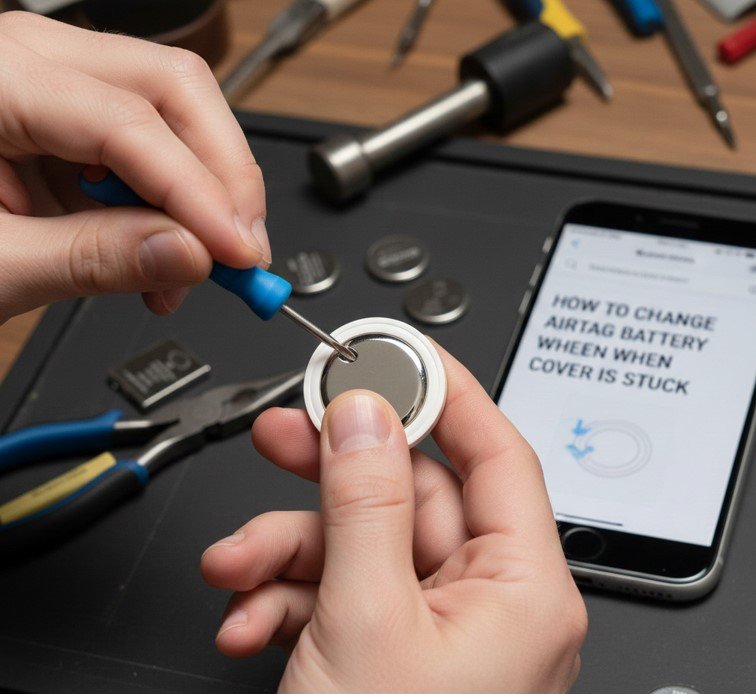
Many users search for how to change AirTag battery stuck because the stainless steel back can be slippery or tightly sealed.
Safe Methods to Open a Stuck AirTag
• Use Rubber Grip or Cloth
Improves traction without scratching.
• Apply Firm, Even Pressure
Uneven force prevents unlocking.
• Try a Silicone Jar Opener
Excellent grip without damage.
• Avoid Tools or Knives
Sharp objects can damage seals.
• Clean Oils From Hands and Cover
Skin oils reduce friction.
• Rotate Slowly and Deliberately
Quick twisting often fails.
Also Read:- How to Fix a Running Toilet: A Complete Step-by-Step Guide
How to Change AirTag Battery in a Ridge Wallet
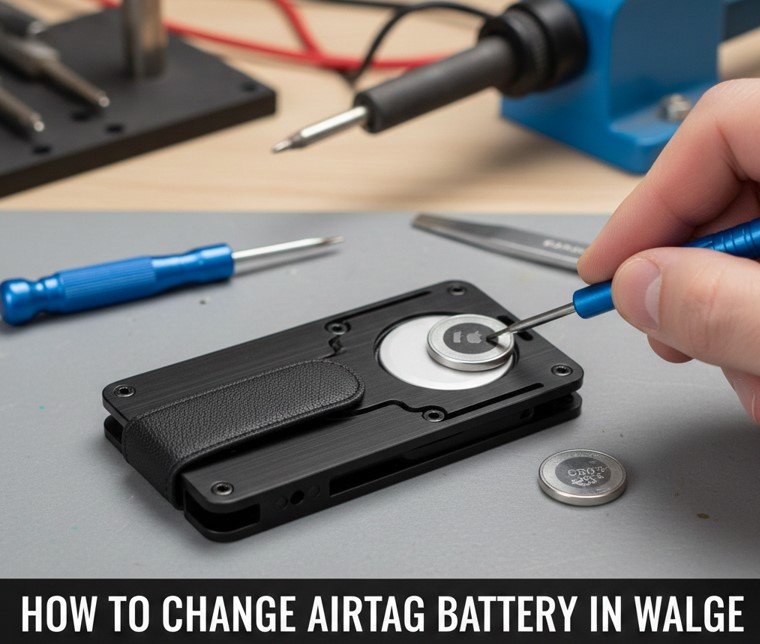
Why Ridge Wallet AirTags Are Different
Ridge Wallets integrate AirTags tightly, making access less obvious.
Ridge Wallet Battery Replacement Tips
• Remove the Wallet Plate Carefully
Follow Ridge’s specific disassembly instructions.
• Avoid Over-Tightening Screws
Stripped screws complicate future replacements.
• Remove AirTag Fully Before Opening
Do not attempt replacement while installed.
• Use Correct Screwdriver Size
Prevents damage.
• Check Fit After Reassembly
Ensures AirTag sound and signal aren’t blocked.
• Test in Find My App
Confirm tracking functionality.
Also Read:- How to Get Rid of Drain Flies: Complete Expert Guide
How to Change AirTag Battery in Belkin Holders
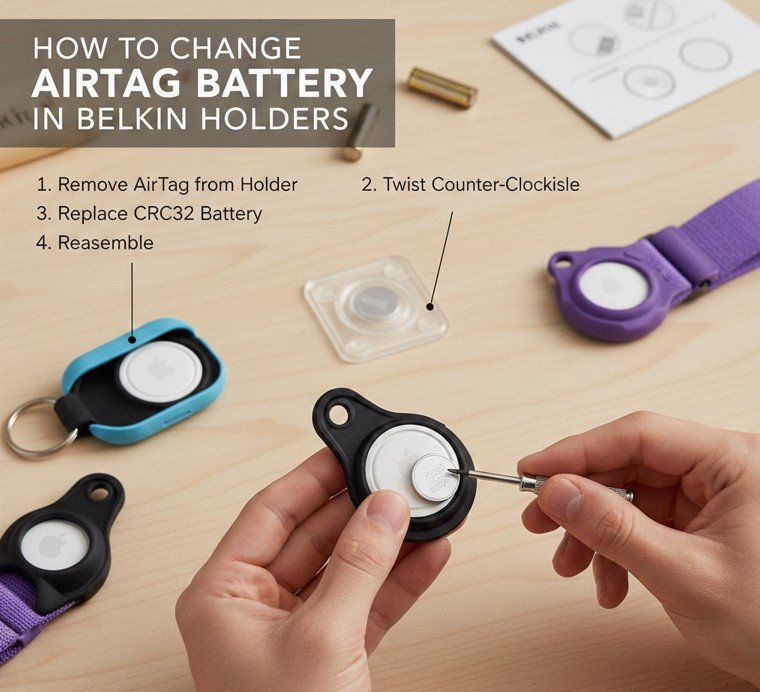
Belkin Holder Design Explained
Belkin AirTag holders are designed for security and durability, often requiring extra steps.
Belkin-Specific Replacement Guidance
• Release the Locking Mechanism First
Belkin holders often snap open.
• Remove AirTag Completely
Battery replacement must be done outside the holder.
• Inspect Holder for Dirt or Debris
Clean before reinserting.
• Avoid Forcing Plastic Clips
They can crack under pressure.
• Ensure Proper Orientation When Reinstalling
Speaker opening must remain unobstructed.
• Check Attachment Security Afterward
Prevents loss.
Also Read:- How to Endorse a Check: The Complete Step-by-Step Guide
How to Change AirTag Battery Using YouTube (And Why You Still Need a Guide)
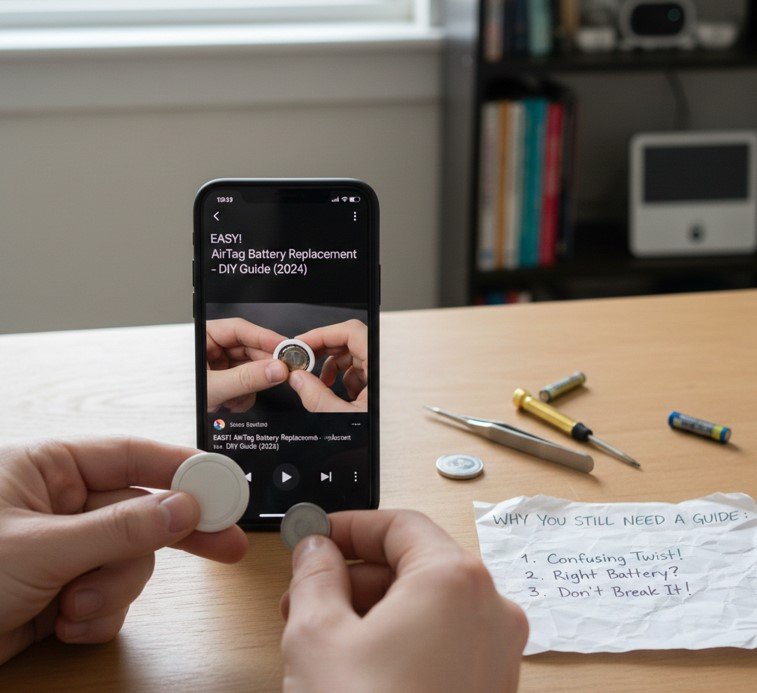
Why Users Search for Video Tutorials
Many people search how to change AirTag battery YouTube for visual confirmation.
Why Written Guides Still Matter
• Videos may skip safety details
• Some show outdated AirTag versions
• Battery coating warnings are often omitted
• Not all holders are covered
• Poor camera angles can confuse steps
• Written guides allow quick reference
How Often Should You Change AirTag Battery?
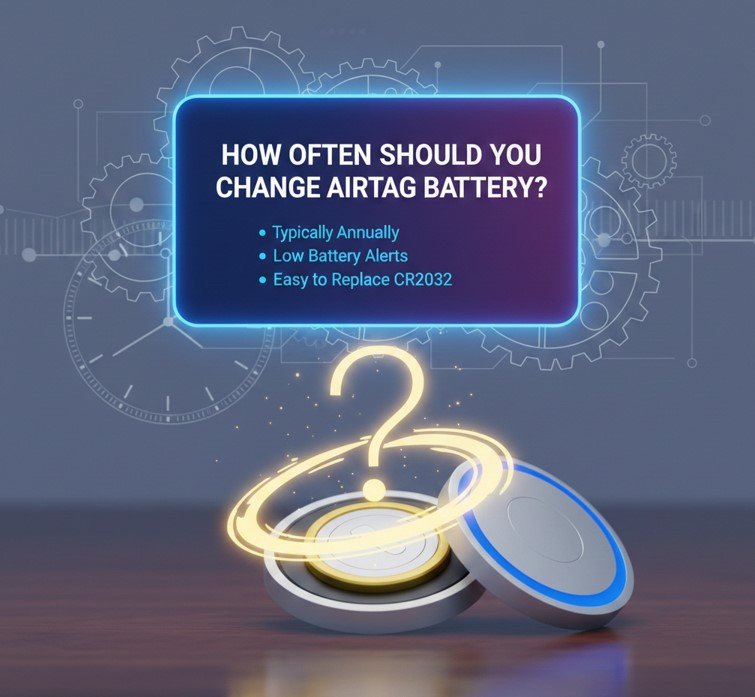
Expected Battery Life Explained
Apple estimates about one year, but real-world usage varies.
Factors Affecting Battery Life
• Frequent location pings
• Use of Precision Finding
• Temperature extremes
• Poor battery quality
• Signal interference
• Storage conditions
Signs Your AirTag Battery Needs Replacement
Common Warning Indicators
• Low Battery notification in Find My
• Reduced tracking accuracy
• AirTag stops updating location
• No sound when reinserted
• Delayed connection
• Intermittent offline status
Common Mistakes to Avoid When Changing AirTag Battery
Errors That Can Damage Your AirTag
• Using coated CR2032 batteries
• Forcing the cover open
• Inserting battery upside down
• Not aligning the cover correctly
• Ignoring moisture or dirt
• Throwing batteries in trash
Also Read:- How to Make Jello Shots: The Ultimate Step-by-Step Guide for Perfect Results
Conclusion
Learning how to change AirTag battery is a simple but essential skill that keeps your Apple tracking ecosystem reliable and effective. With the right battery, careful handling, and proper reassembly, AirTag battery replacement takes less than a minute and restores full functionality instantly.
FAQs
What battery does an AirTag use?
A CR2032 lithium coin-cell battery.
Why doesn’t my AirTag work after battery replacement?
Likely due to a coated battery or incorrect insertion.
Can water damage occur during battery replacement?
Yes, if the seal is damaged or moisture enters.
Visit For More Information Go To entrepreneurideas